
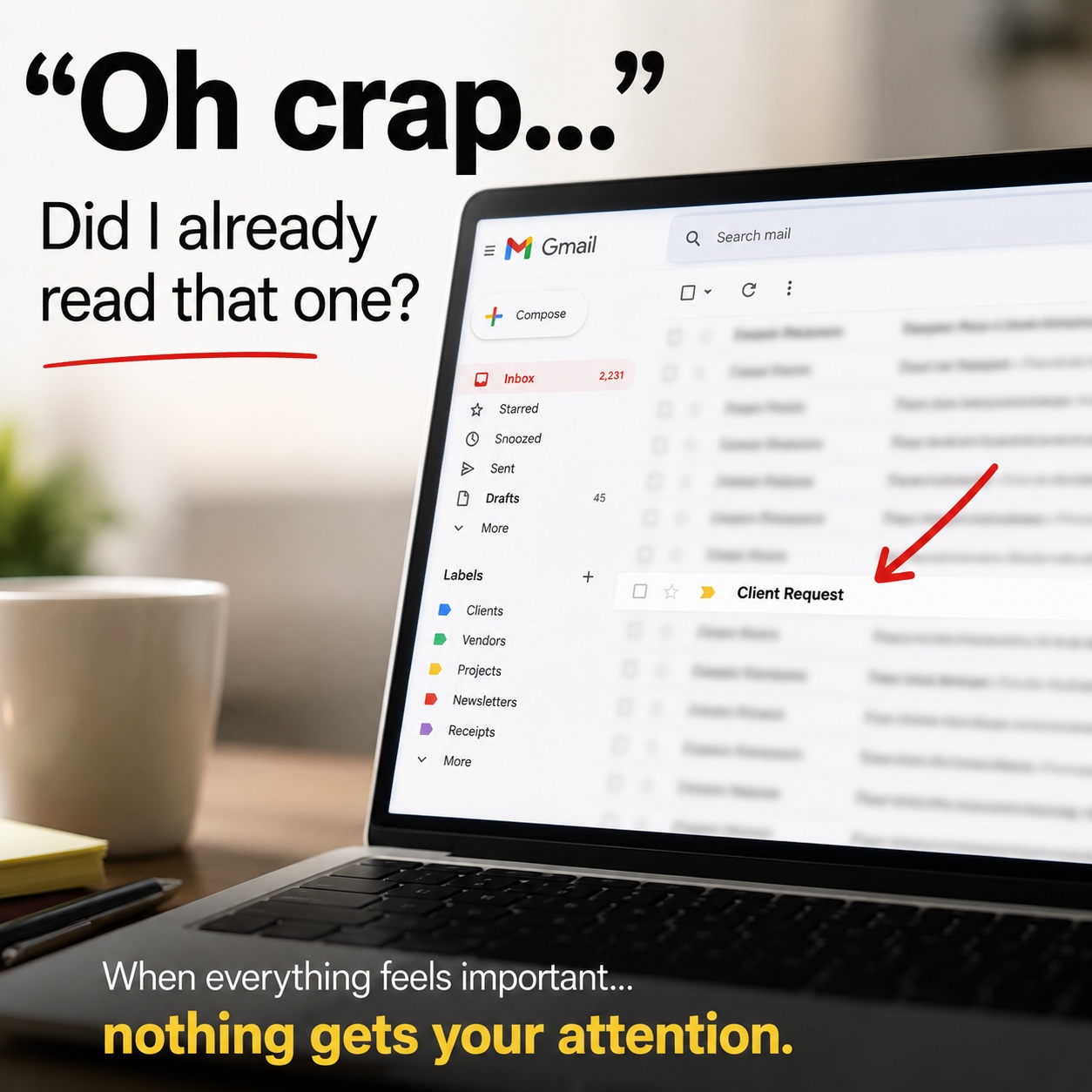
Oh crap…did I already read that one?
If you’ve ever stared at a busy email inbox and asked yourself that question, you already understand the problem.
I’ve done it. One day, a client’s email almost got lost in the middle of everything else. It wasn’t because I ignored her. It wasn’t because I didn’t care. The problem was that everything in my inbox looked important.
I had emails from:
- New customers
- Current customers
- Returning customers
- Previous customers
- Vendors
- Bills and administrative contacts
- People asking questions
- People waiting on follow-ups
When everything looks equally important, figuring out what actually needs your attention first becomes another job.
A Busy Inbox Can Create Repeated Work
My old process probably sounds familiar. I’d read an email. I’d write myself a note. Then the phone would ring.
I’d handle the call, come back to my inbox and think: “Oh crap…did I already answer that one?”
Now I’m searching through emails again. Then I’m looking for the note I wrote. Then I’m trying to remember where I stopped. And sometimes the person whose email I hadn’t answered yet was now calling because they were waiting to hear from me.
That’s not just an email problem. That’s a workflow problem.
Microsoft reported in its Work Trend Index that 62% of people surveyed said they spend too much time searching for information, while 68% said they don’t have enough uninterrupted focus time during the workday. Those numbers didn’t surprise me. I’ve lived it.
The First Fix Wasn’t AI
This part matters. The biggest improvement I made did not begin with AI. It began with me deciding who needed my attention first.
I stopped treating every email the same. Instead, I separated the people contacting my business into groups such as:
- New Customers
- Current Customers
- Returning Customers
- Previous Customers
- Vendors
- Bills & Administration
That gave the information structure. More importantly, it gave me a way to establish priorities. That one change helped me stop trying to remember everything myself.
Then AI Could Actually Help
Once I knew what mattered, AI could help me organize the work. That’s an important difference.
Technology doesn’t automatically understand that a current customer’s urgent request may need your attention before a vendor email. It doesn’t know that a potential customer waiting for an answer may represent an opportunity you don’t want to miss.
Technology can’t decide what’s most important to your business. You have to decide that first. Once those priorities are clear, AI can become much more useful.
What Does AI Email Management Really Mean?
Using AI for email management doesn’t have to mean handing your entire inbox over to artificial intelligence. For a business owner, corporate professional, nonprofit professional, leader, or team, it can start much smaller.
- Decide what matters. Define the people, requests, deadlines, or responsibilities that should receive your attention first.
- Organize the information. Separate emails into useful groups that match how you actually work.
- Use AI to help process the information. Once the structure exists, AI can help identify action items, summarize what needs attention, or support the workflow you have already defined.
- Review the results yourself. You remain responsible for deciding what actually gets done and in what order.
AI should support human judgment—not replace it. This fits the way I teach technology at Alluring Graphics: connect the technology to a real work need, keep the process understandable, and make sure the person remains responsible for the final decision.
AI Works Better When You Give It Business Context
One of the biggest lessons from my inbox wasn’t really about email. It was about direction.
AI can work with information. But you still need to give that information meaning. Telling an AI system, “Help me organize my emails,” doesn’t explain much about your business.
Defining categories such as current customers, potential customers, previous customers, vendors, and administrative emails gives you a real structure to work from. Now you’re directing the technology based on how your business actually operates—and that’s where AI starts becoming useful for real business tasks.
You Don’t Need a Magical AI System
I don’t want to make this sound like AI suddenly makes inbox management perfect. It doesn’t. This works best when you already have priorities.
When I worked in corporate environments, I sometimes supported multiple bosses at the same level. Their emails could all be important. Technology couldn’t decide whose request came first. We had to establish the rule.
Eventually, the working rule became simpler: whoever submitted the request first was handled first. The important part was that the humans established the priority. The system could then support it.
Start With One Question
Before looking for another AI tool, automation, or complicated email system, ask yourself:
What actually makes one email more important than another in my work?
Maybe it’s:
- The person who sent it
- Whether they’re a current customer
- A deadline
- A project status
- A payment issue
- A meeting request
- A request from leadership
- An urgent operational problem
Once you can answer that question, you have something useful to give the technology. You don’t need AI to run your business for you. You need to understand your business well enough to direct AI so it produces useful results for real work.
Learn It. Practice It. Use It.
What Makes Managing Your Inbox Difficult?
Is the hardest part finding the messages, understanding what they need, or deciding what to do first? That’s the part I’d look at before adding another tool.
AI Can Help With the Work. You Still Make the Decision.
AI can organize messages and suggest priorities. You still decide what matters, verify the details, protect private information, and choose what happens next.
Frequently Asked Questions About AI Email Management
How can AI help organize my email inbox?
After you define useful categories and priorities, AI can help summarize messages, identify action items, surface deadlines, and organize information for review.
Can AI help prioritize business emails?
AI can apply the priority rules you provide, but it should not decide what matters to your business without your direction and final review.
How do I use AI for email management?
Start by deciding what makes an email important, group messages around how you work, use AI to process the organized information, and review every result yourself.
How can I stop losing important customer emails?
Create clear customer categories, define response priorities, and use a repeatable follow-up process so important messages do not depend on memory alone.
How can AI reduce time spent searching through email?
AI can help extract requests, deadlines, decisions, and follow-ups from an approved set of messages, reducing repeated reading and searching.
How should a business organize customer emails?
Useful groups may include new, current, returning, and previous customers, along with vendors and bills or administrative contacts.
Can AI decide which business emails are most important?
Not by itself. People must establish the business context and priority rules; AI can then help apply and support that structure.
Keep learning with Toya.
Join the NewsletterSources
Microsoft Work Trend Index — Will AI Fix Work?
This article was expanded from an original Toya da’ Techie LinkedIn post. Read the original LinkedIn post →